
VentroTap™

What is VentroTap™?

VentroTap™ is a built-in NFC chip embedded inside every Ventro wallet. It lets you share your contact details with anyone — instantly, wirelessly, and without any app or subscription.

Think of it as your digital business card. Tap. Share. Done.

No app needed No subscription Free forever
NFC technology
Near Field Communication — the same technology used in contactless bank card payments. It's been in smartphones for years. VentroTap™ uses it to share your contact, not payment data.
Built into your wallet
The NFC chip is permanently embedded inside the wallet — no sticker, no case, no add-on. It's part of the product from the factory. You can't lose it or remove it.
Your digital identity
Name, phone, email, social media, website — you choose what to display. You control your profile from your Ventro customer account. Update it anytime, as many times as you want.
Tk 0 — free for life
Many NFC wallets charge a monthly or yearly subscription to keep your profile active. VentroTap™ is yours permanently — no recurring fees, ever. Pay once for the wallet. That's it.

Activate & manage

Set up your VentroTap™ in 5 steps — no password needed

Your wallet is already registered to the email you ordered with. Tap it, log in with a one-time code, and add your details. That's it.

No password No sign-up No app About 2 minutes
Where to tap: touch the phone to the VentroTap logo on the wallet
1Where & how to tap
Touch your phone to the VentroTap™ logo on the wallet and hold still for 1–2 seconds. iPhone: use the top edge, screen on. Android: use the centre of the back, NFC turned on. Remove thick cases.
Where the NFC reader is: top edge on iPhone, middle of the back on Android
Where is the NFC reader on my phone?
iPhone: at the top edge, next to the camera, and it only reads with the screen on. Android: in the middle of the back. Make sure NFC is on (search “NFC” in Settings). Not reading? Slide the wallet slowly across the back until your card page pops up.
Your card page opens
2Your card page opens
Your first tap opens your card page. It shows "Registered to" with the email your wallet is linked to. Tap Log in.
Log in with a code
3Log in with a code
Enter that same email. We send a 6-digit code to your inbox — type it in and you're in. No password to create or remember.
Open VentroTap Details
4Open VentroTap Details
Once logged in, open the VentroTap Details tab. Add your photo, title, phone, WhatsApp, socials and website. Choose what to show, then Save.
Tap. Share. Done.
5Tap. Share. Done.
Your profile is live. Anyone who taps your wallet sees it in their browser and can Add to Contacts in one tap. Update it anytime — free.
Got it as a gift, or the email shown isn't yours?
Tap "Message us to update it" on your card page, or WhatsApp us with the email shown. We'll move the wallet to your email — then log in as above.
Didn't get the code?
Check Spam or Promotions, make sure the email matches the one on your card exactly, then request a new code.
Already set up? Same login, every time
Log in with your email and a fresh code whenever you want to change something. Unlimited updates, Tk 0.
Stuck anywhere? Message us on WhatsApp — we'll set it up with you in minutes.

FAQs

Do I need a password or to create an account?

No. Your wallet is already registered to the email you ordered with. Tap your wallet, press Log in, enter that email and the 6-digit code we send you — that's it.

Which email is my wallet registered to?

Tap your wallet on your own phone. Before you set it up, the card page shows "Registered to" with the exact email. Use that one to log in.

I received it as a gift — what do I do?

Tap "Message us to update it" on your card page, or WhatsApp us at +880 1717-707285 with the email shown and your own email. We move the wallet to you, then you log in with your email and a code.

Does VentroTap™ work on iPhones and Android?

Yes. VentroTap™ works with most modern smartphones that have NFC — iPhone 7 and above, and most Android phones from 2017 onwards.

Do I need an app to use it?

No apps are needed — the profile opens in the phone’s browser.

Do I need internet?

Yes, the phone tapping your wallet needs internet access to open your profile.

Can I update my information later?

Yes, as often as you like, free. Log in with your email and a fresh code, open the VentroTap Details tab, edit and save. The next tap shows the new version.
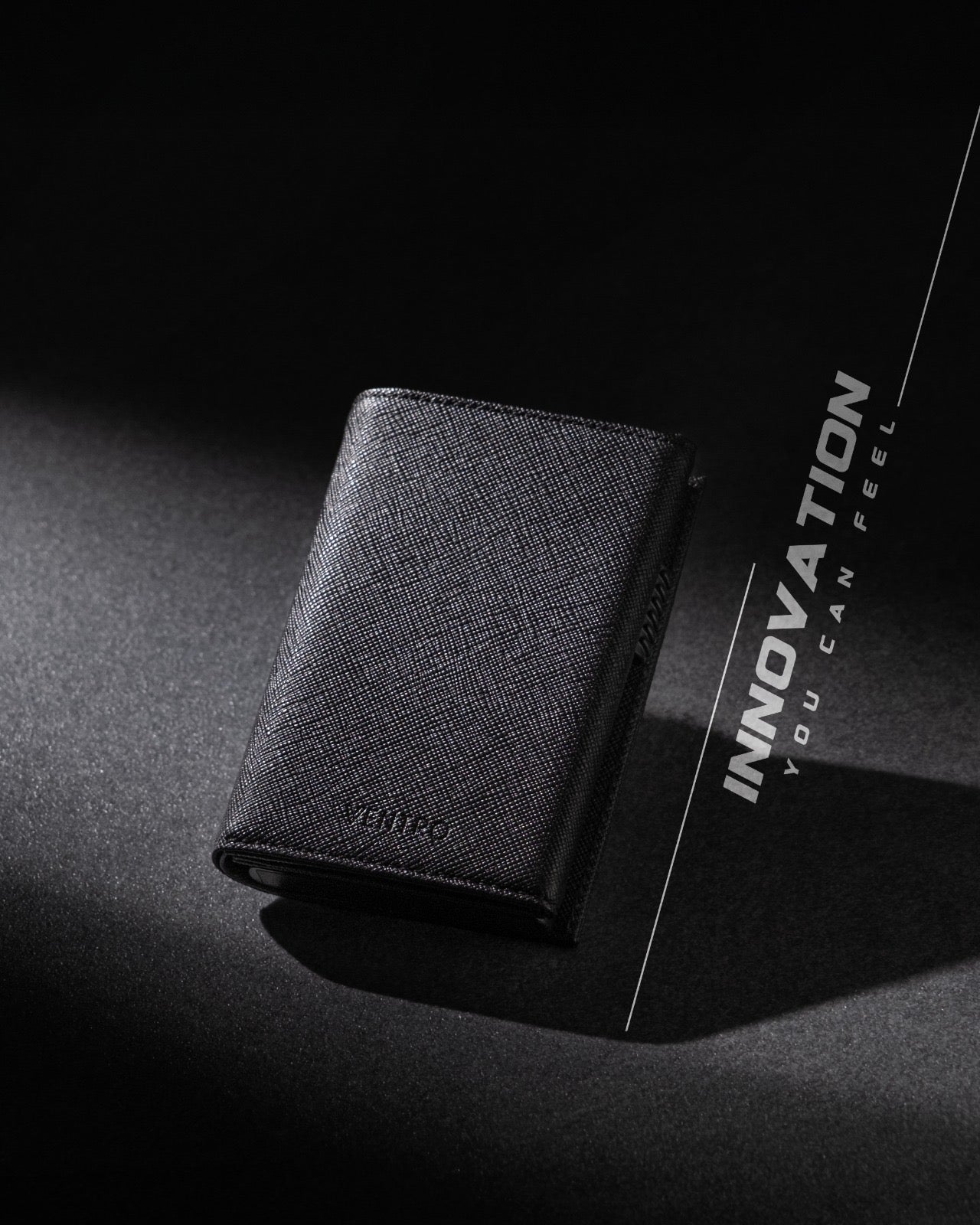
Get your VentroTap™ wallet

VentroTap™ comes built into Ventro’s Genesis wallets — with RFID protection and up to a 3-year warranty. Tap. Share. Done. No app, no subscription, free forever.

Shop Genesis Collection